Sometimes you need to upload an image that requires benign transparent to look at compared to original background.
In similar cases, it would be convenient to load a png image as it provides you with necessary conversions.
In this article you are going to get into the details of how to remove image background to make images transparent inside of Photoshop
How to Make an Image Transparent in Photoshop
File Creation
Step: 1
The starting step here is to go and create a file. TO do this properly open up Adobe photoshop.
And select new from the file menu at the top of the page.
Step: 2
In the new document, that appears,create a file of necessary size and ensure the document resolution is to be kept at 72 pixels per inch.
Also in addition to this option, select the transparent option from the background content drop down list as well.\
WHen you make png with transparent background you should specific to the the size of the image to be loaded as background.
There’s examples that show width and height of hd images.
Once you have selected the right parameters, click on ok to open a new fresh document.
Step: 3
IN the layers panel ensure you are working on a transparent layer and not merely the background.
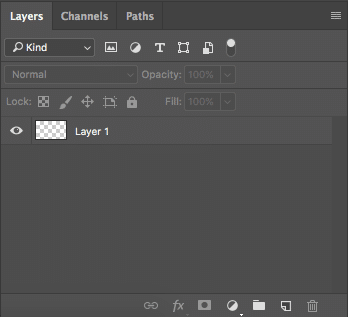
Once you finish creating, save the image and depending on the version of photoshop you will find that in the file menu.
File Saving
Prior to making these photos transparent in photoshop you need to know that the save and devices is outdated and no longer exists in newer Photoshop CC so the only option to get the file is through the export button.
It is similar and offers better files.
Adobe still offers the option to save for web and devices and its seen vias file export menu or surging command plus option plus shoft _ S
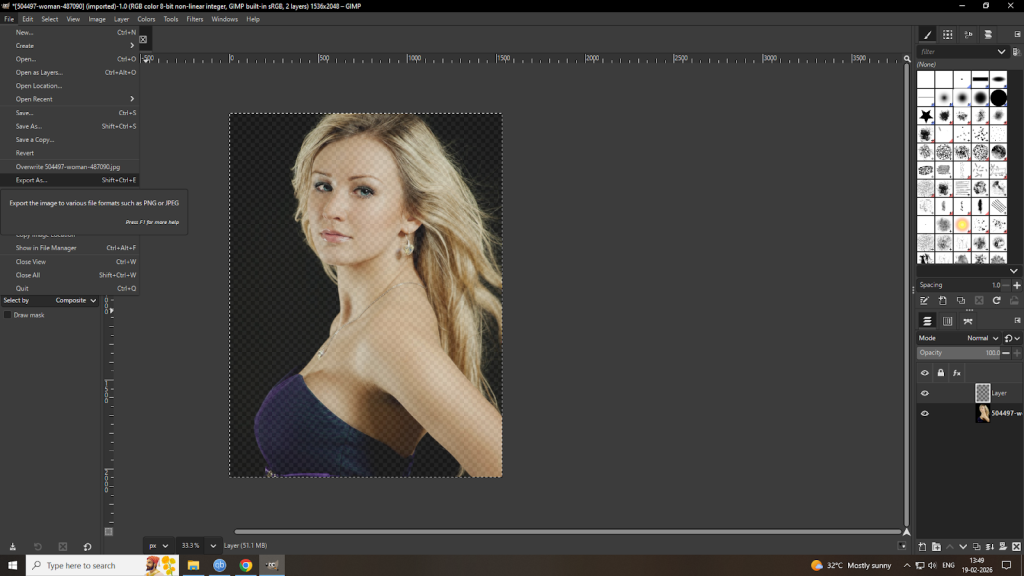
In the new sidebar window that appears select png from the format drop down menu and make sure that the transparency options and convert to SRG are chosen.
Background removed

The image size and canvas size fields should automatically fill in values set when you create the file. But you can change the settings before making photoshop transparent if you so want.
WHen finished click export all.
Looking for a photo editing company for your image editing project?
Look no further than us
Leave a Reply